
How to Keep Your Snow Clearing Crews Organized During a Storm
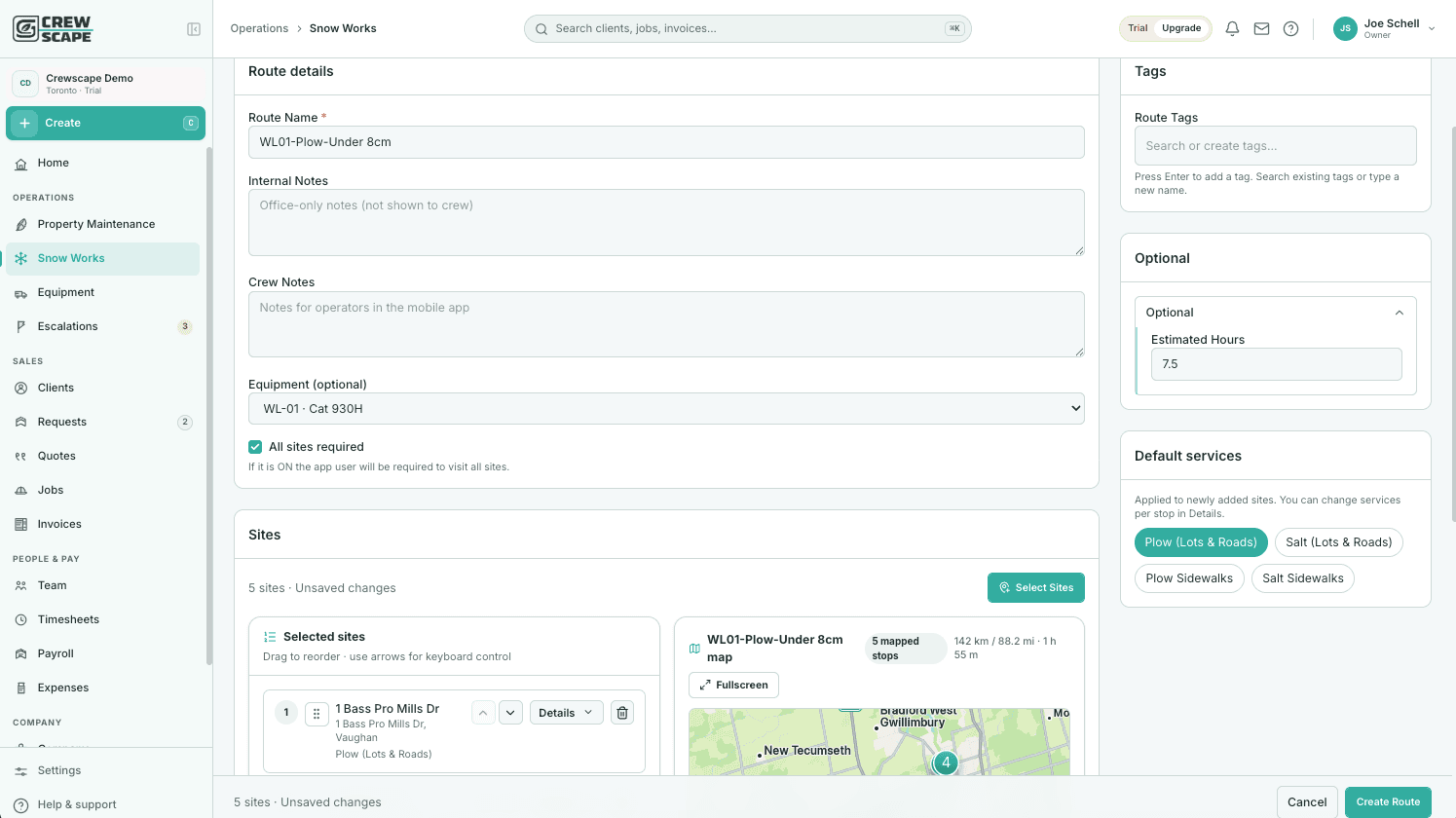
It’s 3 a.m. One driver is asking which property comes next. Another has a truck issue. A property manager wants an update, and somewhere in the group chat is a message about an entrance that still needs clearing.
The challenge isn’t always having enough equipment or people. It’s keeping everyone working from the same information while conditions change.
For snow clearing companies, a clear plan before the storm—and a reliable way to update it during the shift—can make operations easier to manage.
1. Make Property Instructions Easy to Find
An address tells a crew where to go. It doesn’t tell them everything they need to do.
Before the next snowfall, review the information available for each property:
- Areas included in the service agreement.
- Approved snow storage locations.
- Entrances, walkways, and loading areas requiring attention.
- Access restrictions, gate codes, and site contacts.
- Known obstacles and property-specific instructions.
Keep those details somewhere the assigned crew can access without calling the owner.
This becomes especially valuable when someone covers an unfamiliar route. A substitute operator should be able to understand the property without relying on another driver’s memory.
2. Build Routes Around the Work Required
Properties close together may still have very different service needs.
A small driveway, a busy commercial entrance, and a large parking lot require different amounts of time and potentially different equipment. Your route plan should account for those differences.
Start by grouping nearby properties, then review the expected workload, access windows, service commitments, and equipment needed at each stop.
Check whether the route is realistic for the crew assigned to it. A route that looks efficient on a map may become difficult to complete if one operator has most of the demanding properties.
Also decide who can provide backup if a route falls behind.
3. Give Every Property a Clear Owner
When several crews are working through the same storm, unclear assignments can lead to duplicated work or missed areas.
Each property should have a clearly assigned crew. Where separate teams handle plowing, walkways, or other services, make those responsibilities explicit.
If you move a property to another crew during the shift, confirm the handoff. The original crew needs to know it has been reassigned, and the receiving crew needs to acknowledge the change.
A quick reassignment without that confirmation can leave both crews assuming the other is handling it.
4. Separate Completed Work From Work That Needs Another Visit
During an ongoing snowfall, completing a visit doesn’t necessarily mean the property is finished for the entire event.
Your team needs a consistent way to distinguish between:
- Work that has not started.
- Work currently underway.
- A completed service visit.
- A property requiring follow-up.
That last category matters. A blocked area, an access problem, or additional accumulation may require another visit.
Record what remains outstanding and assign someone to handle it. Avoid leaving follow-up work buried in a message that the dispatcher may not see until later.
5. Record Service Details While They’re Fresh
Reconstructing a long snow shift from memory is frustrating.
Have crews record relevant service details as part of their normal workflow: the property visited, the work completed, the time, and any issues encountered. Add photos where appropriate.
For example, if parked vehicles prevent a crew from clearing part of a lot, a clear note gives the dispatcher useful information for planning the return visit.
Consistent records also make it easier to answer customer questions without calling several operators to piece together what happened.
6. Review the Storm Before the Next One Arrives
Once the event is over, take a few minutes to identify what slowed the team down.
Was one route overloaded? Were property instructions missing? Did an equipment problem force last-minute changes? Did a customer request fail to reach the right crew?
Use those observations to update routes, site notes, and equipment maintenance priorities.
Fixing one recurring problem after each storm gives the next shift a better starting point.
Bring Your Snow Operations Into One Place
Crewscape was built by a landscaper who understands the challenge of coordinating crews, properties, and equipment.
It brings scheduling, dedicated snow dispatch tools, and equipment maintenance tracking into one platform, with development shaped by feedback from the contractors using it.
Crewscape Core is free for life, and every new account starts with a 60-day Pro trial. Core includes limited Snow Works access; Pro provides full access.
Start free at crewscape.com and explore a more organized way to manage your next snow event.
Ready to run your operation on Crewscape?
Start Free Today